USE CASE · sales

Prospect faster.
Book more meetings.

Spend less time building lists. Wake up to recommended leads, verified contacts, and buying signals, ready to reach out.


Abstract light blue wavy gradient background.
Trusted by GTM teams of all sizes to drive pipeline and revenue
30+ regions
GTM and revenue operations managed across more than 30 regions.
"Surfe became the single enrichment layer for our Salesforce, unifying multiple data sources while maintaining one set of deduplication and data quality rules."
-
Alexis Valentin, Head of GTM Ops, Wonderful.AI
Read case study
6 countries
Supporting a fast-growing European banking infrastructure company operating across six countries.
"Through the enrichment waterfall, you get the company, the email, the phone number - and all of that syncs to the CRM automatically."
-
Bastien Roche, Senior RevOps Manager at Swan
Read case study
persona

SDR & BDR Workflows

ICP Prospecting

Wake up with 10 sales-ready leads

Recommendations surface daily: pre-researched contacts ranked by ICP fit, buying signals, and rep activity. No manual prioritization needed.

1
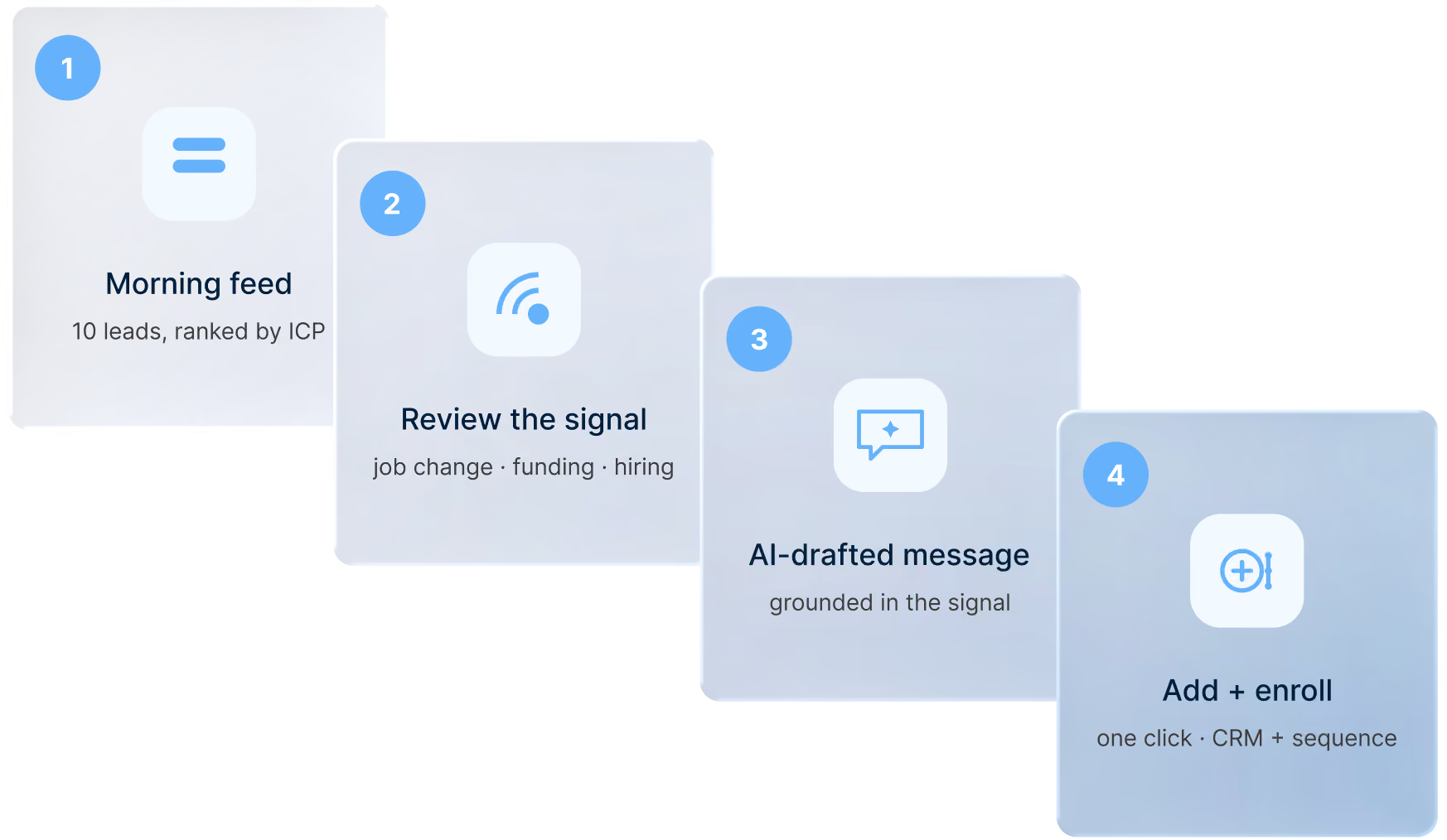
Open your morning feed and see 10+ contacts ranked by ICP fit and live signal.
2
Pick a lead and review the signal (job change, funding, hiring surge) that flagged them.
3
Read the AI-drafted first message, already grounded in that exact signal.
4
Click once to add them to your CRM and push into sequence, then move to the next.
Pale gradient background with a dark blue wave shape rising from the bottom-left.Four-step workflow diagram: morning feed of ranked leads, review the buying signal, get an AI-drafted message, then add and enroll them.
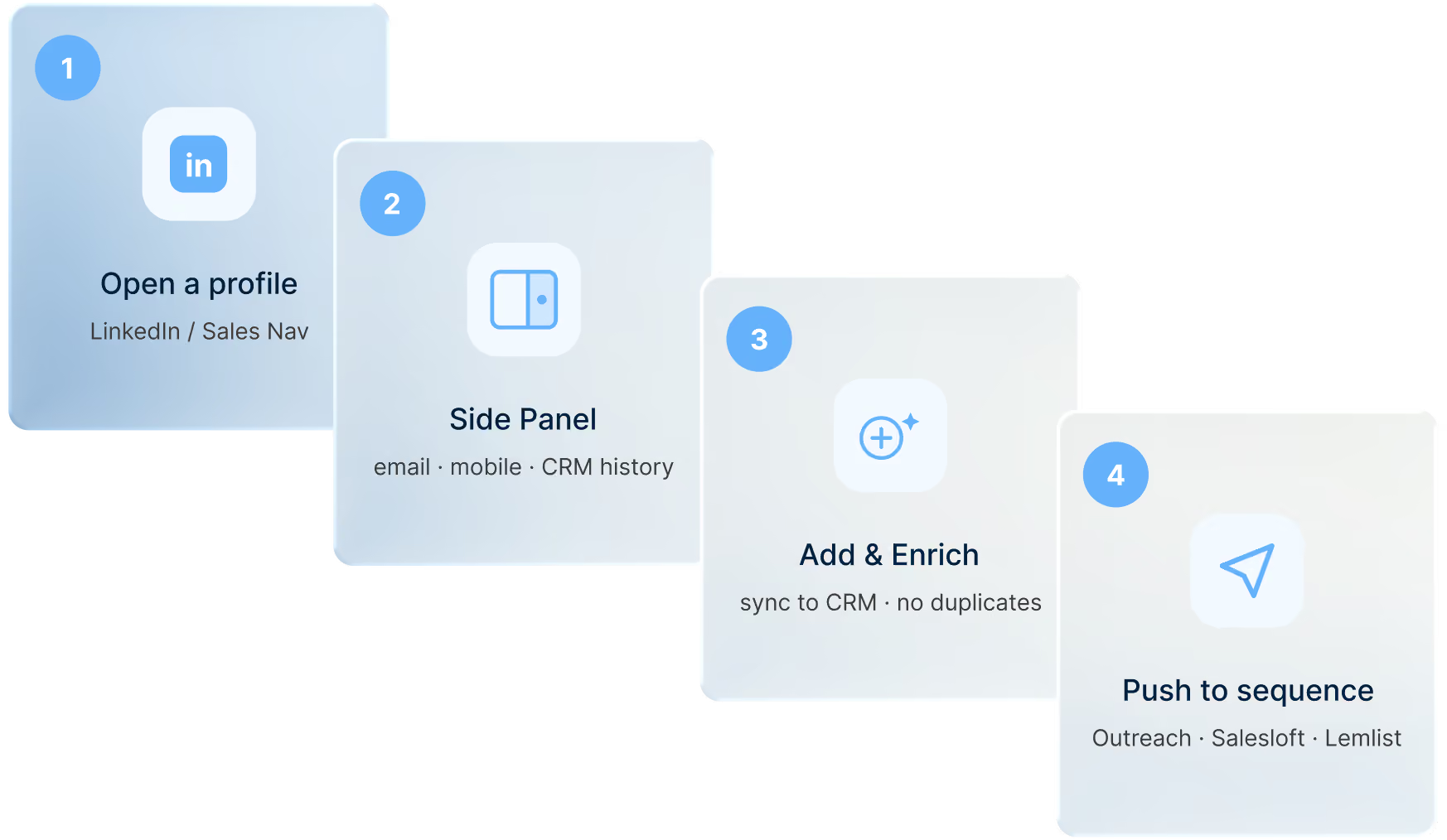
Soft pale blue gradient background.Four-step workflow diagram: open a LinkedIn profile, use the side panel, add and enrich the contact, then push to an outreach sequence.
LinkedIn® → CRM

Enrich while prospecting on LinkedIn®

No tab-switching. Find someone on LinkedIn®, get their verified email, mobile, and full CRM history surfaced right in the Side Panel, in real time.

1
Open any LinkedIn® or Sales Navigator profile while you prospect.
2
Glance at the Side Panel to see verified email, mobile, and full CRM history appear instantly.
3
Hit Add & Enrich to sync the contact to your CRM: no tab-switching, no duplicates.
4
Push them straight into Outreach, Salesloft, or Lemlist without leaving the page.
Net-New Discovery

Expand beyond the book of business

Reps aren't limited to what's already in the CRM. Search for net-new contacts by company, title, signal, or ICP fit within the platform.

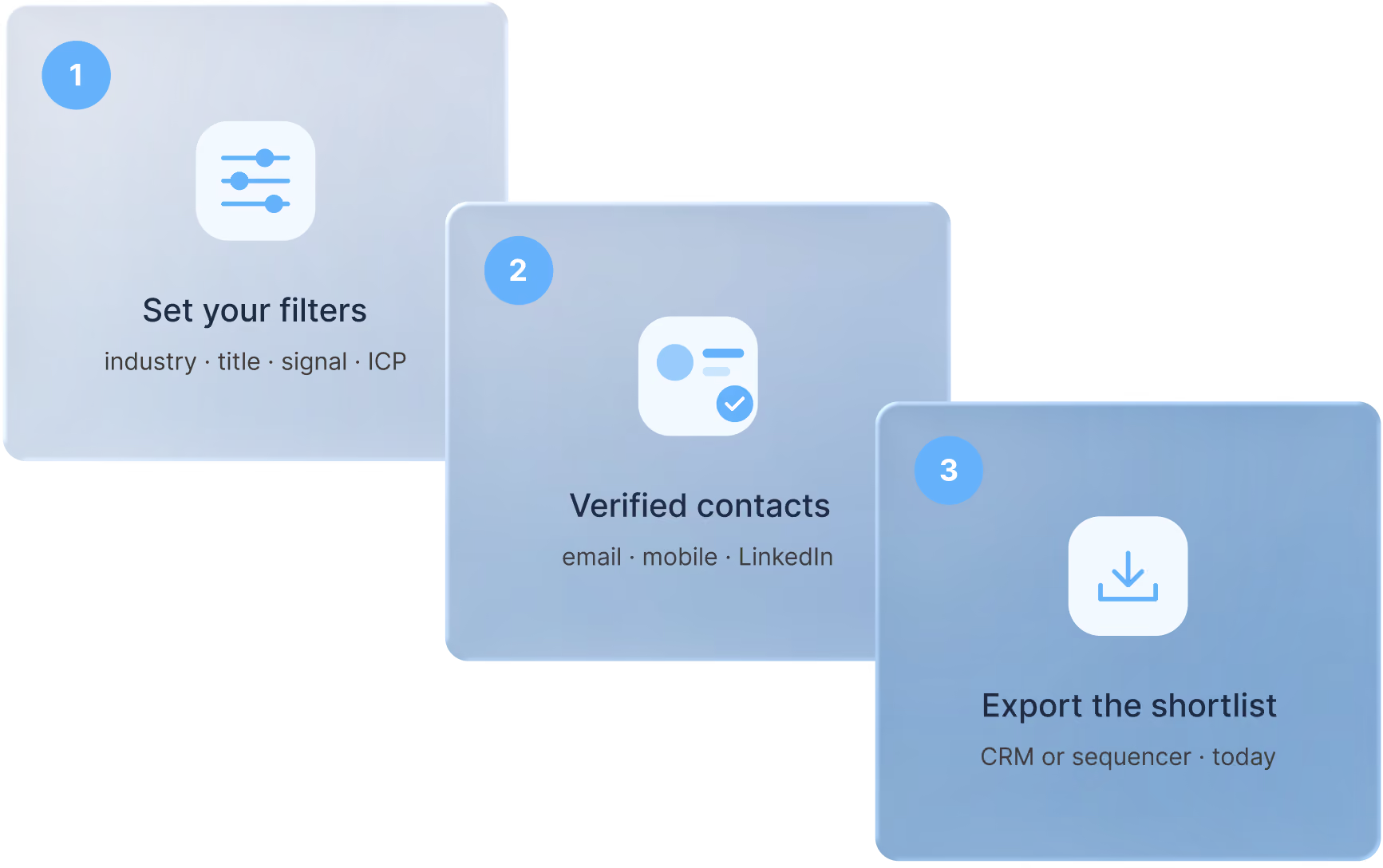
1
Set your filters: industry, headcount, title, geography, signal.
2
Browse the verified contacts Surfe returns with email, mobile, and LinkedIn® URL.
3
Export the shortlist straight to your CRM or sequencer, ready to activate today.
Blue gradient background lightening toward the top with a white wave shape along the bottom.Three-step workflow diagram: set filters by industry, title, and signal, get verified contacts, then export the shortlist to a CRM or sequencer.
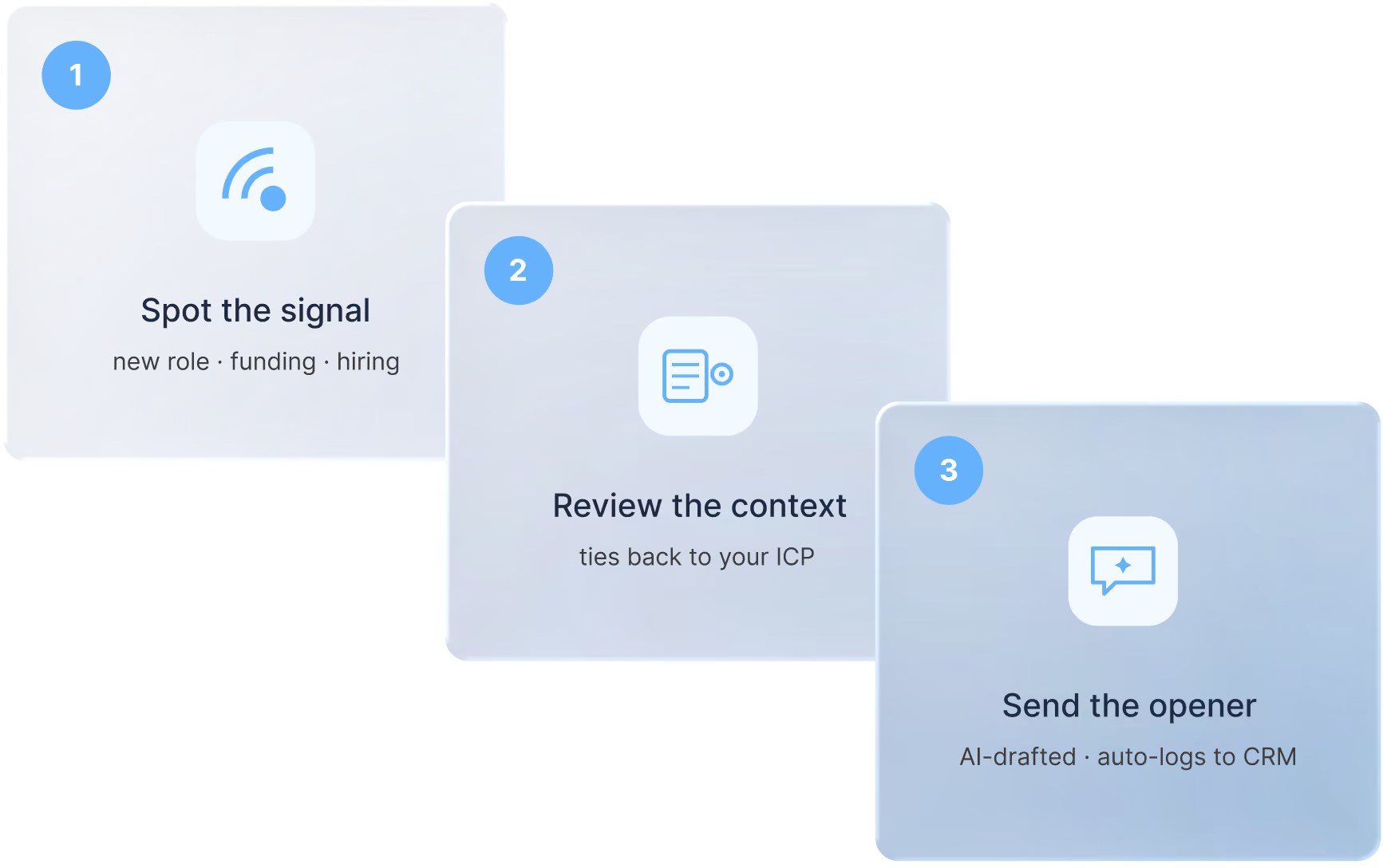
Pale gradient background with a dark blue wave shape rising from the bottom-left.Three-step workflow diagram: spot a buying signal, review the context tied to your ICP, then send an AI-drafted opener that auto-logs to your CRM.
Message Generation

Signal-grounded personalised outreach

From contact profile to first message, Surfe generates outreach grounded in the exact signal that made this person relevant today: job change, funding round, news mention.

1
Spot the signal Surfe flagged: new role, funding, hiring surge.
2
Review the context it pulled together and how it ties back to your ICP pitch.
3
Tweak the AI-drafted opener, send it, and watch it log itself to your CRM.
persona

Account Executive Workflows

Self-Source Pipeline

AEs don't wait for inbound

AEs get the same lead intelligence as BDRs: daily recommendations, enriched account lists, decision-maker search, and relevant signals, to build their own pipeline when inbound is thin.

1
Drop in your named accounts or full TAM list to get started.
2
Let Surfe map the right personas (CRO, Head of Sales, AE) for each account.
3
Watch live signals surface the accounts that are actually in-market right now.
4
Reach out with context already in hand, never another cold call.
Soft pale blue gradient background with a wave shape cascading from the left edge.Three-step workflow diagram: track hiring signals across accounts, detect growth like a new department or headcount increase, then start an upsell conversation.
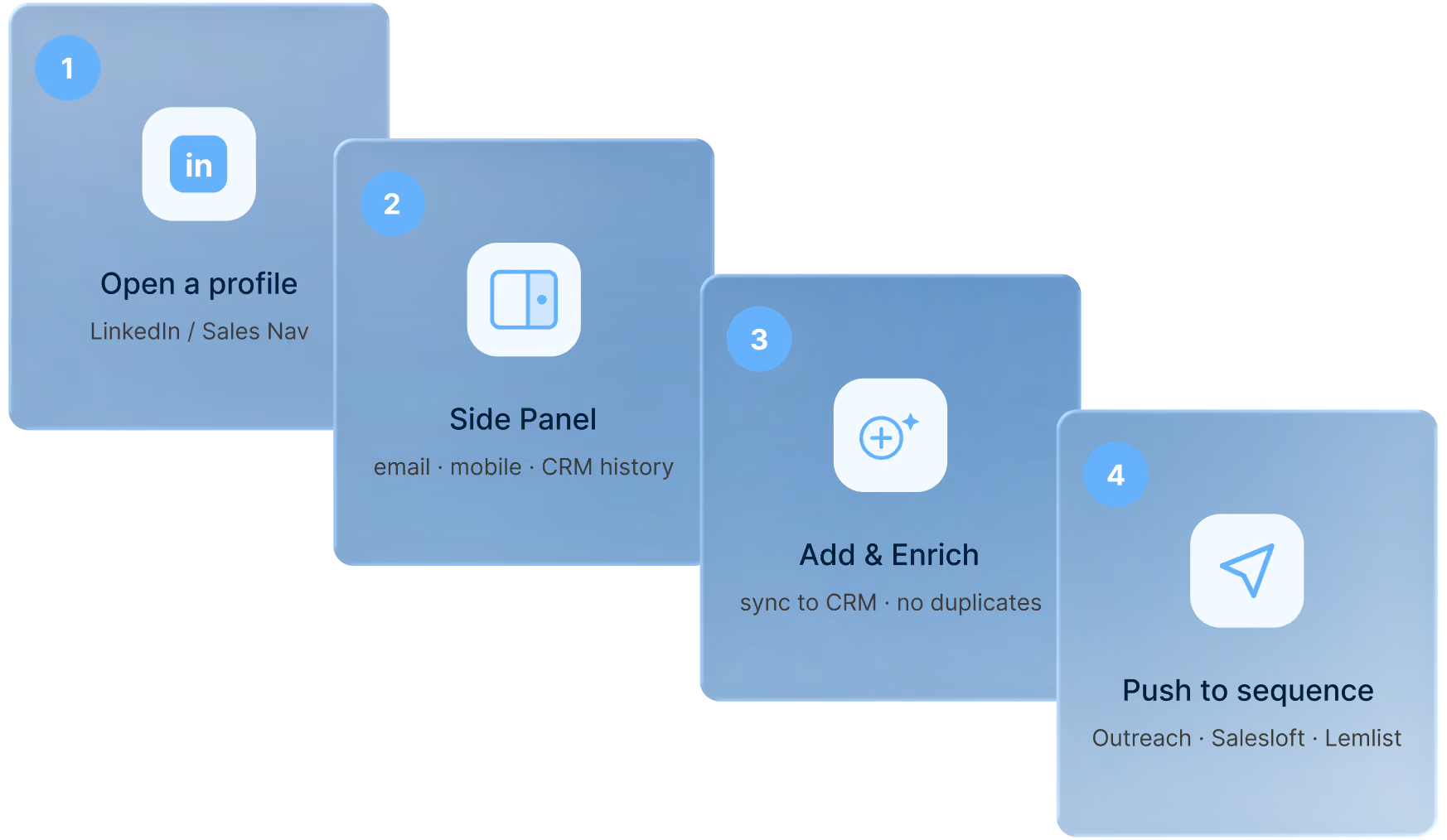
Soft pale blue gradient background with a wave shape cascading from the left edge.Four-step workflow diagram: open a LinkedIn profile, use the side panel, add and enrich the contact, then push to an outreach sequence.
Land & Expand

Daily workflow: LinkedIn® → CRM → Sequencer

The everyday execution loop. LinkedIn® profile → enriched, synced to CRM → pushed to your sequencing tool, in clicks, not hours.

1
Find the contact on LinkedIn® or Sales Navigator while you work.
2
Enrich them on the spot: verified email, mobile, and signals appear in the Side Panel.
3
Add them to your CRM in one click, deduplication handled for you.
4
Send them straight into Outreach, Salesloft, or Lemlist, sequence ready, CRM clean.
persona

Account Management

Expansion Signals

Turn job changes into upsell & cross-sell conversations

When a champion moves to a new company, it’s a warm intro to a new account. When a new decision-maker joins an existing account, it’s a re-engagement opportunity. Surfe surfaces both, automatically.
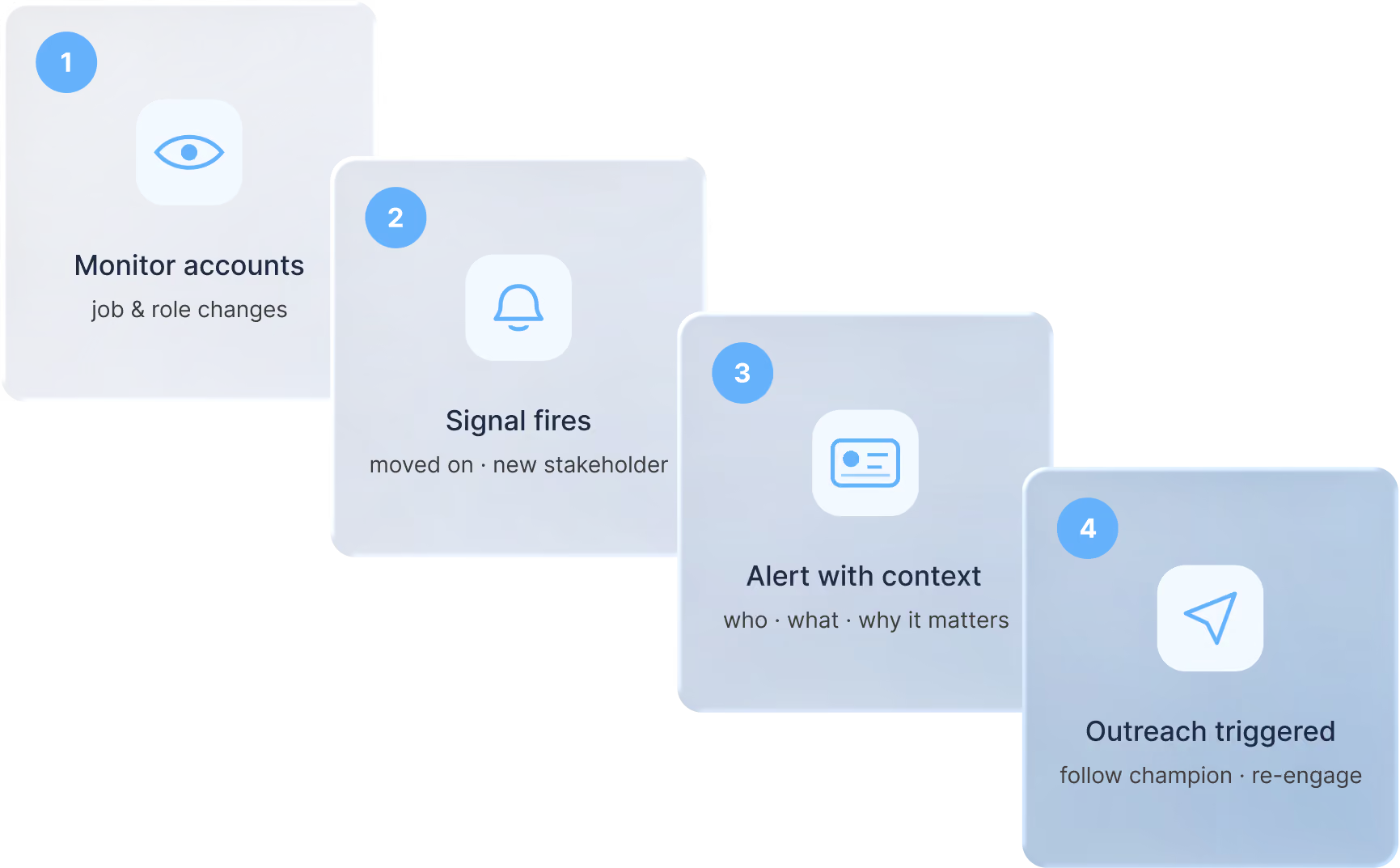
1
Surfe monitors all contacts in existing accounts for job and role changes.
2
Signal fires: champion moved on, new budget holder joined, team is growing.
3
Rep or CSM alerted with full context: who changed, to what, and why it matters.
4
Outreach triggered: follow the champion to the new account or re-engage with the new stakeholder.
Pale gradient background with a dark blue wave shape rising from the bottom-left.Four-step workflow diagram: monitor accounts for job and role changes, a signal fires, an alert arrives with context, then outreach is triggered.
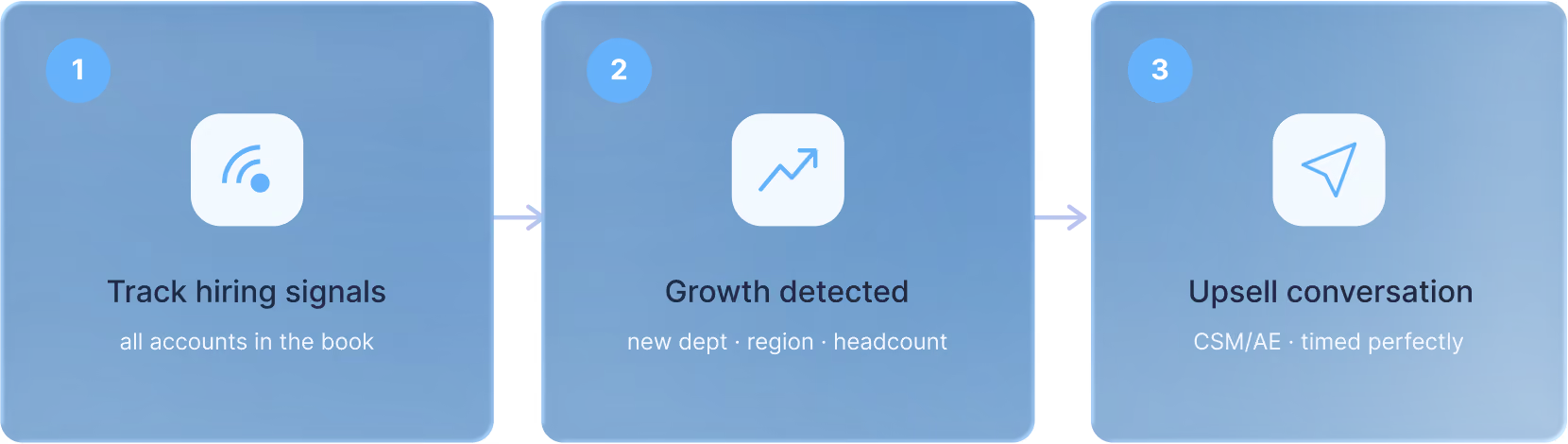
Blue gradient background lightening toward the top with a white wave shape along the bottom.Three-step workflow diagram: track hiring signals across accounts, detect growth like a new department or headcount increase, then start an upsell conversation.
Account Growth

Hiring signals as expansion triggers

An existing customer starts hiring aggressively in a new department or new country. That's your signal to expand the contract. Surfe surfaces hiring surges and team growth so CSMs and AEs act before the window closes.

1
Surfe tracks hiring signals across all accounts in the book.
2
Growth detected: new department, new region, headcount surge.
3
CSM/AE reaches out with a relevant upsell or expansion conversation, timed perfectly.

Proof in numbers.

3x

More qualified meetings booked per rep

10hrs

Saved per rep per week on data entry

<2%

Average email bounce rate

Trust & security

Built for the teams who get audited.

ISO27001 Certified

Certified information security management system covering people, process, and infrastructure.

CCPA Compliant

Lawful B2B data sourcing, DSAR support, granular opt-out, and EU data residency on request.

GDPR Compliant

Only the fields you need, only the contacts you're allowed to reach.
Collage of G2 award badges including High Performer, Users Love Us, and Leader for Winter 2026.
50,000+
SURFE USERS

Hear from the teams that grow with Surfe.

Read their story

Wonderful.AI

Alexis Valentin, Head of GTM Ops at Wonderful.AI
Learn more

Swan

Bastien Roche, Senior Revenue Operations Manager at Swan
Learn more

AB Tasty

Learn more

Sastrify

Learn more

Vendredi

Learn more

Movitext

Learn more
Blog

Resources to build more pipeline.

View all

Frequently Asked Questions

Your most pressing questions, answered with clarity.

Is Surfe's B2B contact data GDPR and CCPA compliant?

See it on your data.

Start free in minutes, or get a tailored walkthrough with our team.

GDPR Compliant
ISO 27001 Certified
Abstract glossy blue 3D wave-shaped graphic on a transparent background.