
Pipeline Generation for GTM Teams
Find, enrich, and activate accounts and contacts with real-time data and buying signals from multiple providers.


.avif)











.png)






Solutions for every go-to-market team.
Your outreach strategy shouldn’t hinge on guesswork.
Surfe delivers a daily list of priority accounts based on real buying signals. Every account is paired with fully enriched contacts, including verified emails and mobile numbers, so reps can quickly build territory-specific lists and start meaningful conversations.

Using Surfe is critical to my job because I know
I can trust its data accuracy.

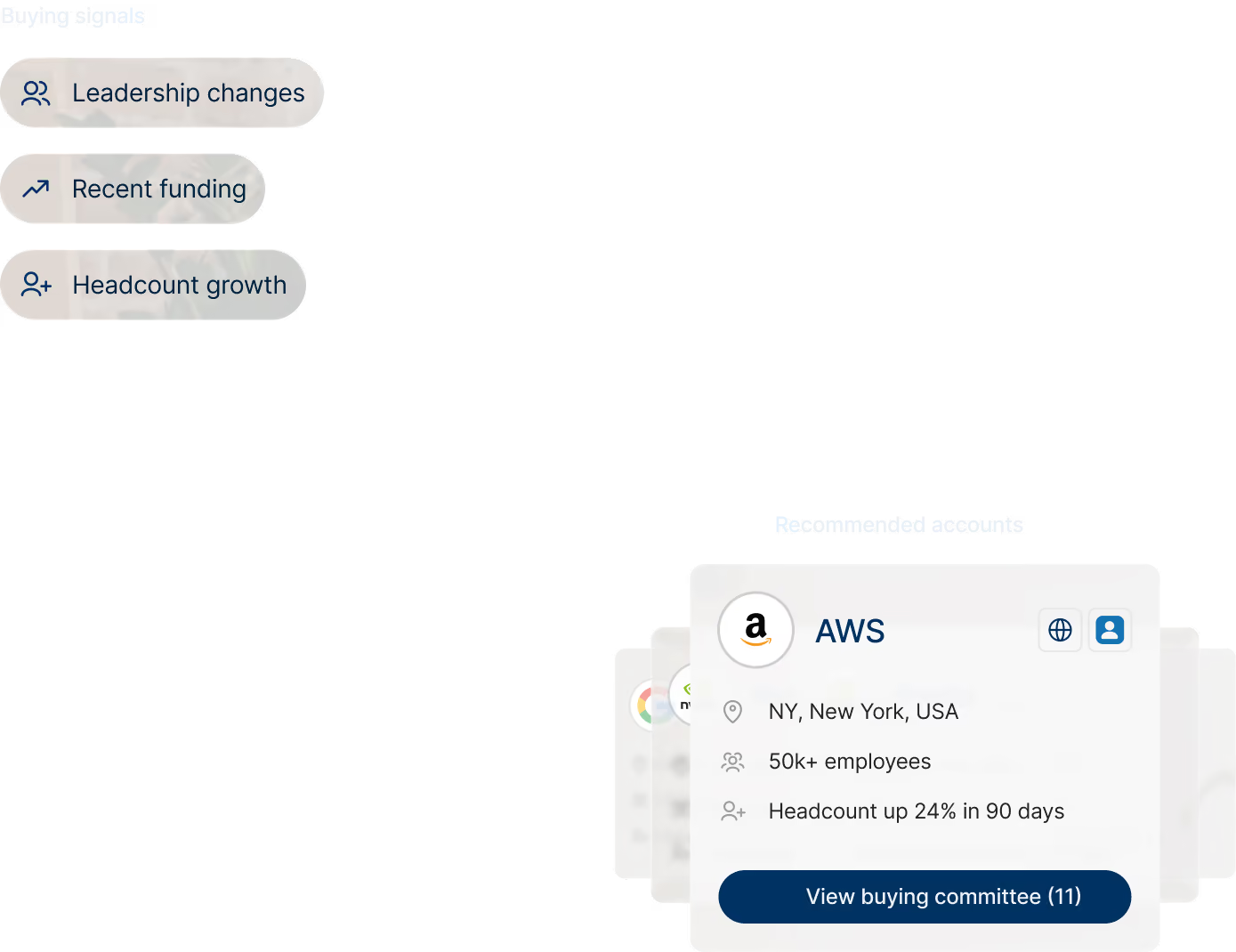
Pipeline begins with knowing your territory inside and out.
The best opportunities don’t stay open for long. Surfe surfaces buying signals across your territory and pairs them with fully enriched contacts, including verified emails and mobile numbers, so reps can act fast and start the right conversations.

We've seen better contact and email quality with Surfe than with other solutions we've used, making it easier for our team to connect with the right people.


Don’t let outdated CRM records and incomplete contact data erode your pipeline.
Still manually cleaning up your CRM records? Surfe keeps your CRM data up to date, deduplicated, and enriched in real time. From verified emails and mobile numbers to contact insights and buying signals, your team has the information they need to find opportunities and take action.

Surfe eliminated the need for multiple prospecting tools, giving our team a faster and more efficient workflow.

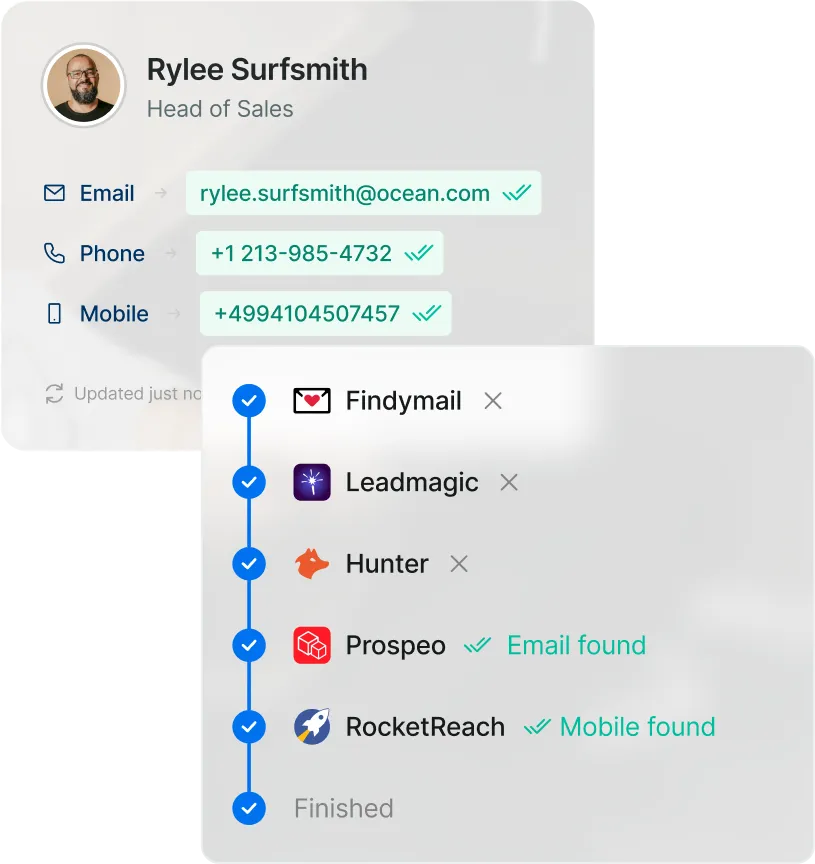
Turn more MQLs into SQLs. (The sales team will thank you.)
High CAC isn’t always a lead volume problem. Sometimes it’s a lead quality problem. Surfe enriches every new lead with verified contact data, buying signals, and buying committee insights so sales knows who to contact, who influences the decision, and how to move the opportunity forward.

Before Surfe, more than half of the email addresses in our CRM were outdated.

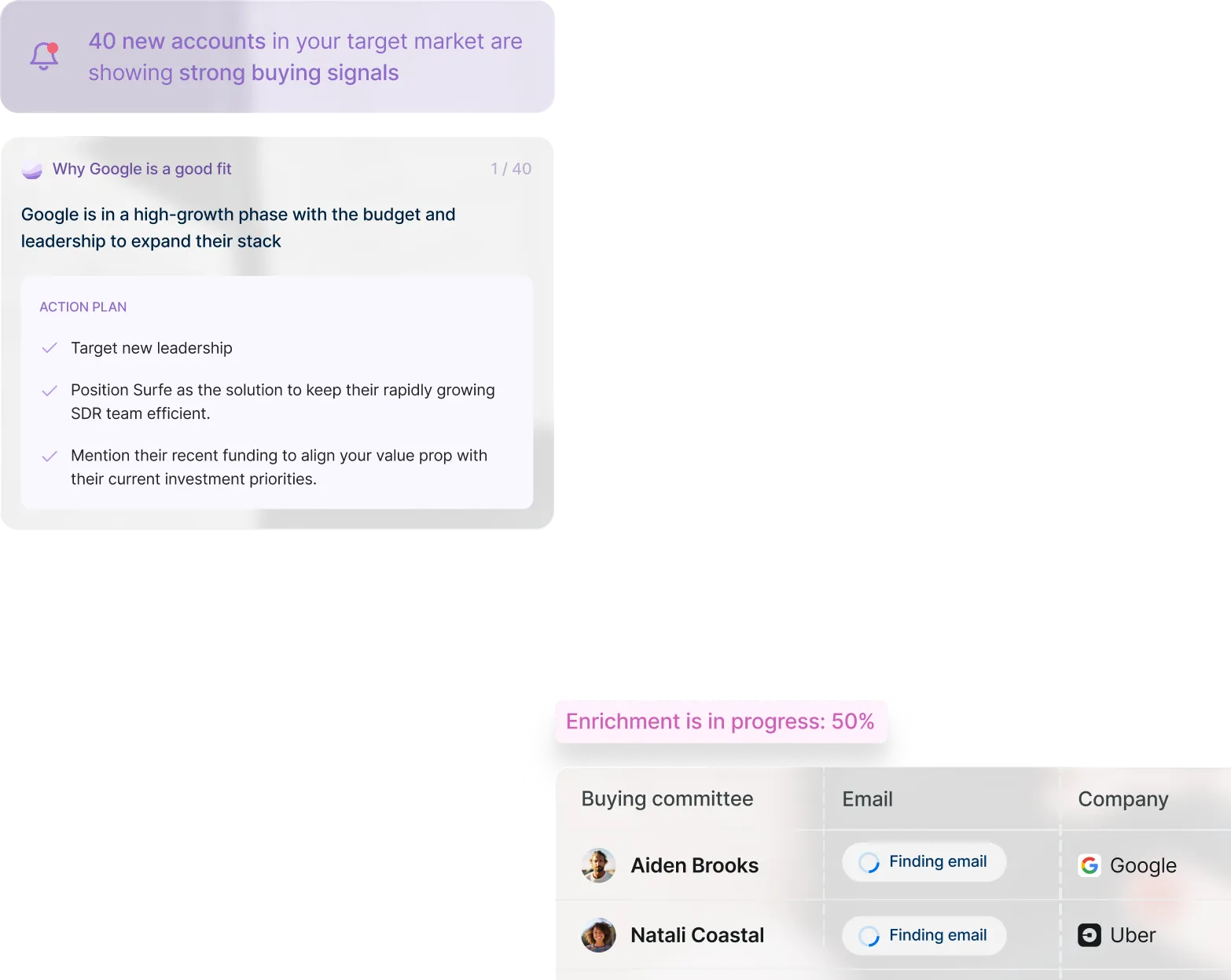
Your AI agents are only as powerful as the data they can access.
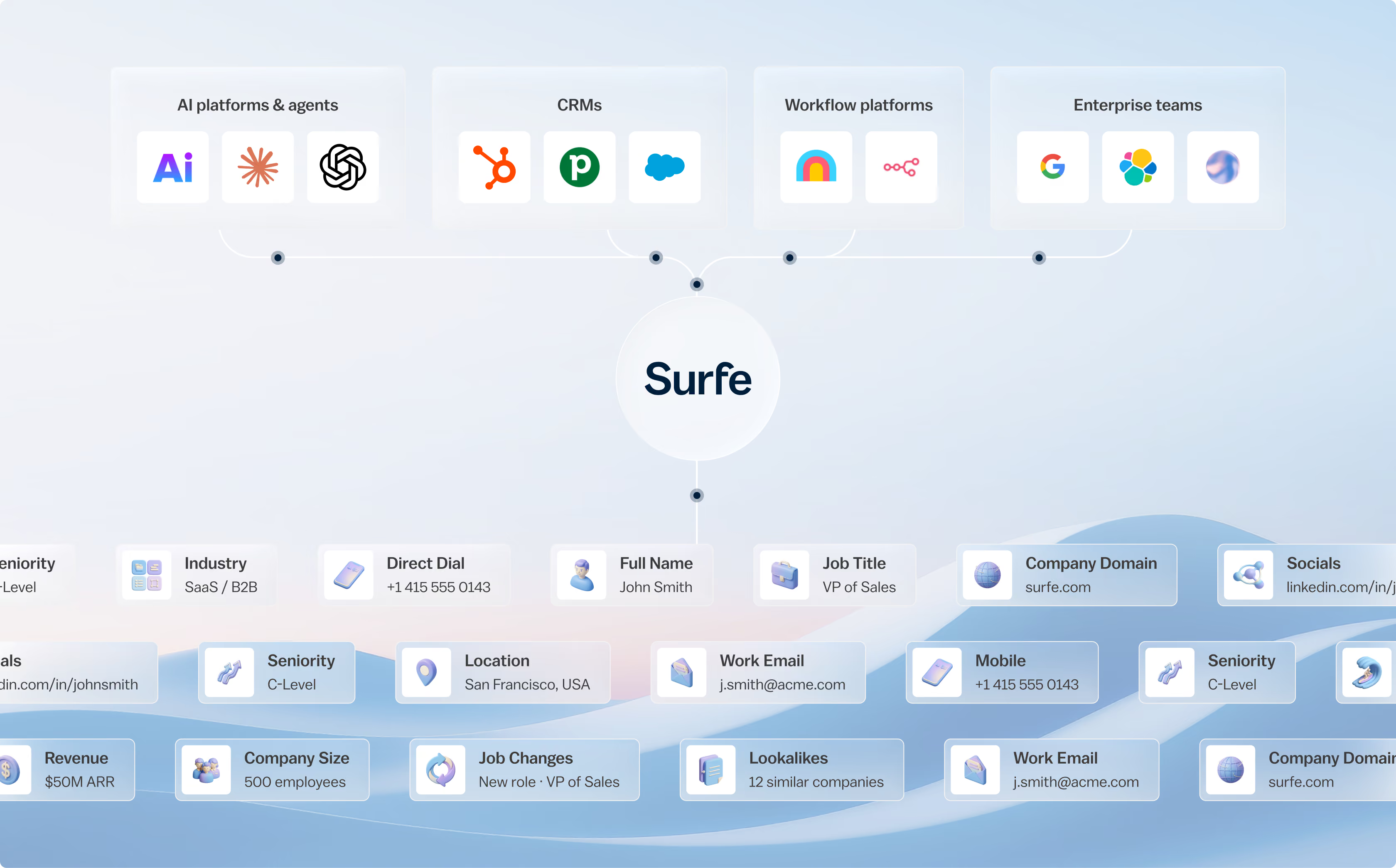
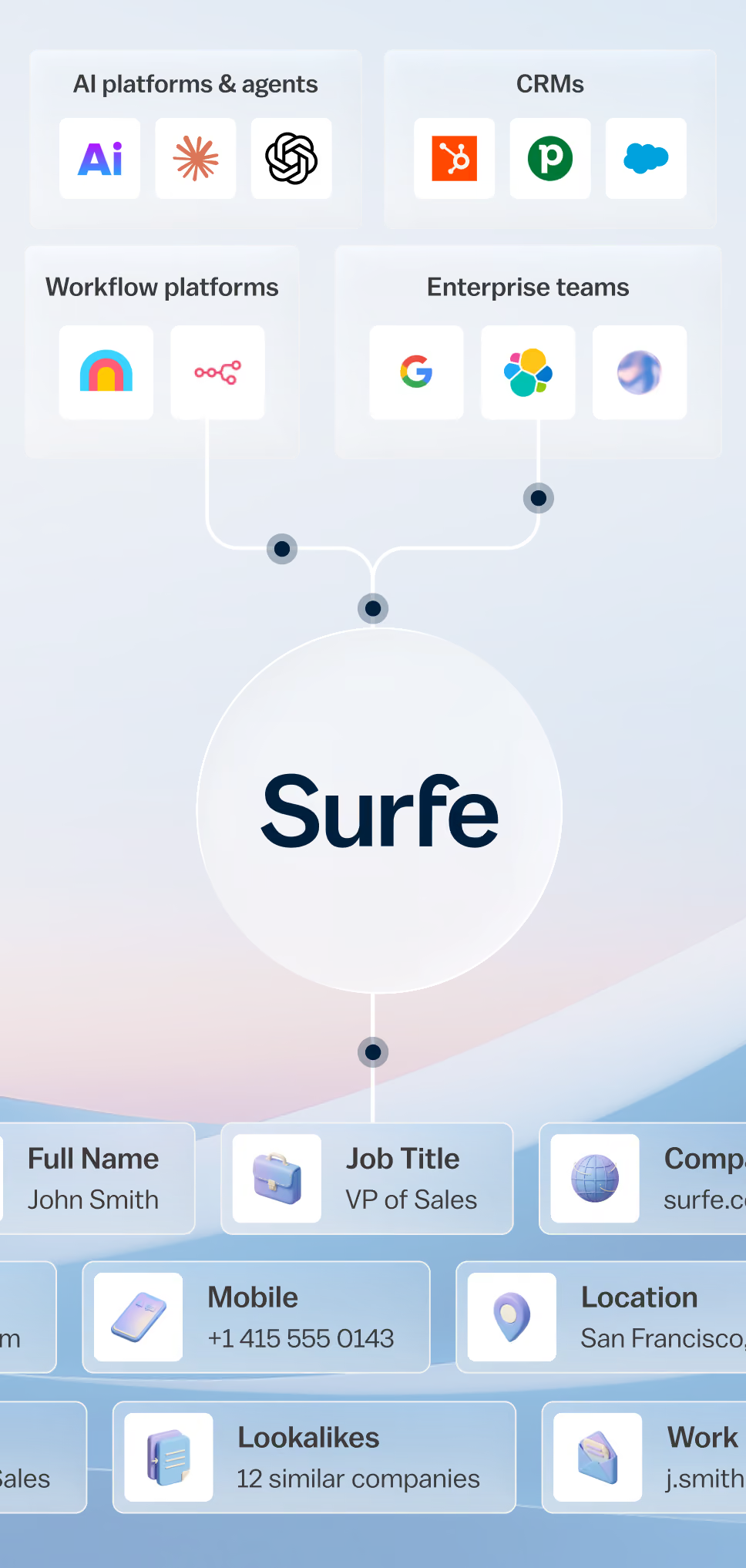
Surfe gives AI agents, LLMs, and automation workflows access to accurate GTM data, including enriched contacts, company insights, and buying signals. Build smarter agents that can research accounts, identify opportunities, enrich records, and take action with the context needed to drive pipeline.

Our AI agent searches target companies, identifies relevant buyers, and retrieves contact information across 2,000 contacts daily.
We built Surfe because building pipeline is hard enough.
Prospecting in one tool, enrichment in another, buying signals somewhere else, and CRM updates in yet another. Sound familiar? Surfe brings your GTM workflow together in one place, so your team spends less time chasing information and more time building pipeline.

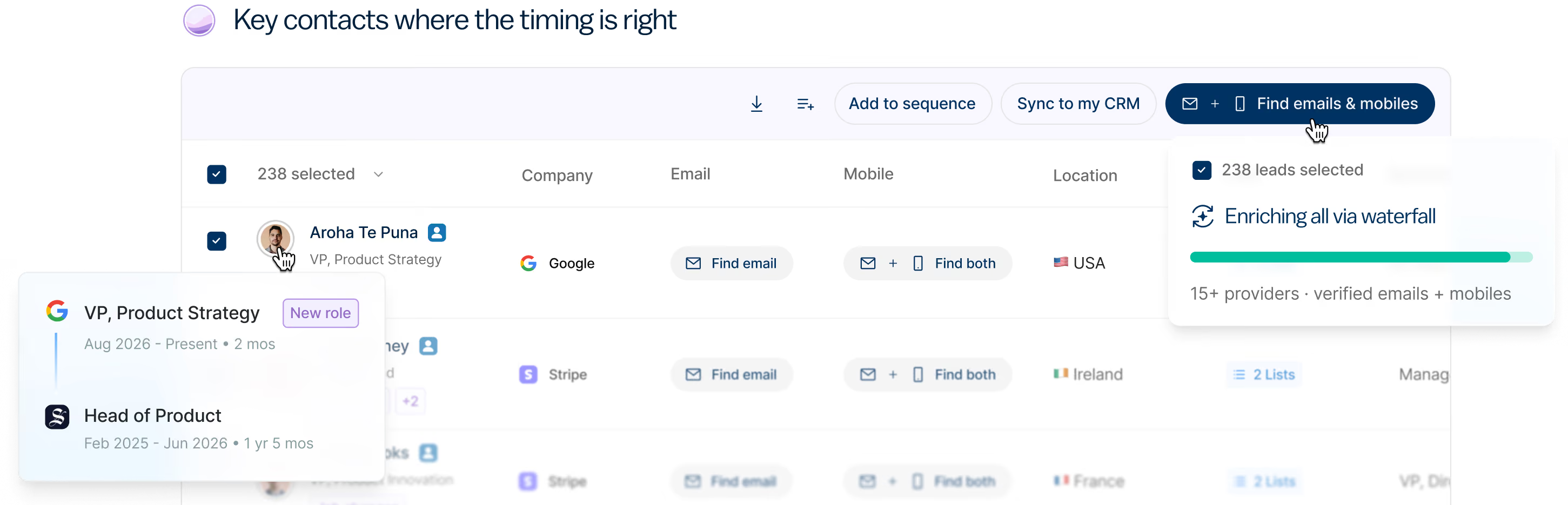
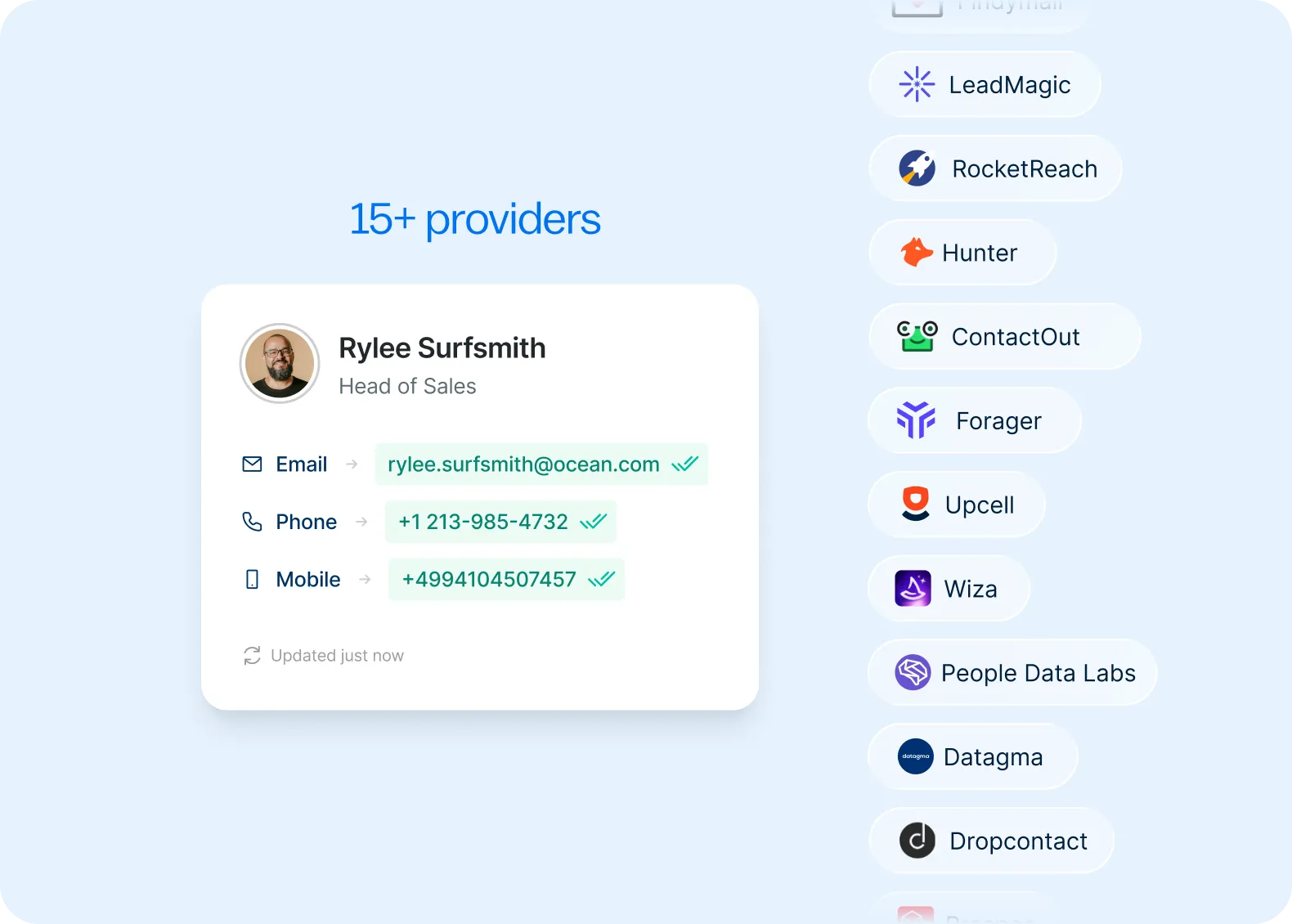
Still wasting time on bad contact data?
Surfe searches across 15+ data sources to find the companies, contacts, verified emails, and mobile numbers your current tools miss.
Global coverage across 1B+ verified profiles and 50M+ accounts
85% accuracy through waterfall enrichment across 15+ data providers
Data that continuously refreshes so your CRM stays accurate
Make every lead sales-ready.
Your reps shouldn’t have to guess which accounts to focus on or when to reach out. Surfe monitors your target accounts for buying signals, identifies the right people to engage, and gives your team the context they need to start relevant conversations at the right moment.
Track people, company, and market signals like job changes, hiring, funding, and growth activity
Identify buying committee members and key decision-makers within target accounts
Prioritize the accounts and opportunities your team should act on next
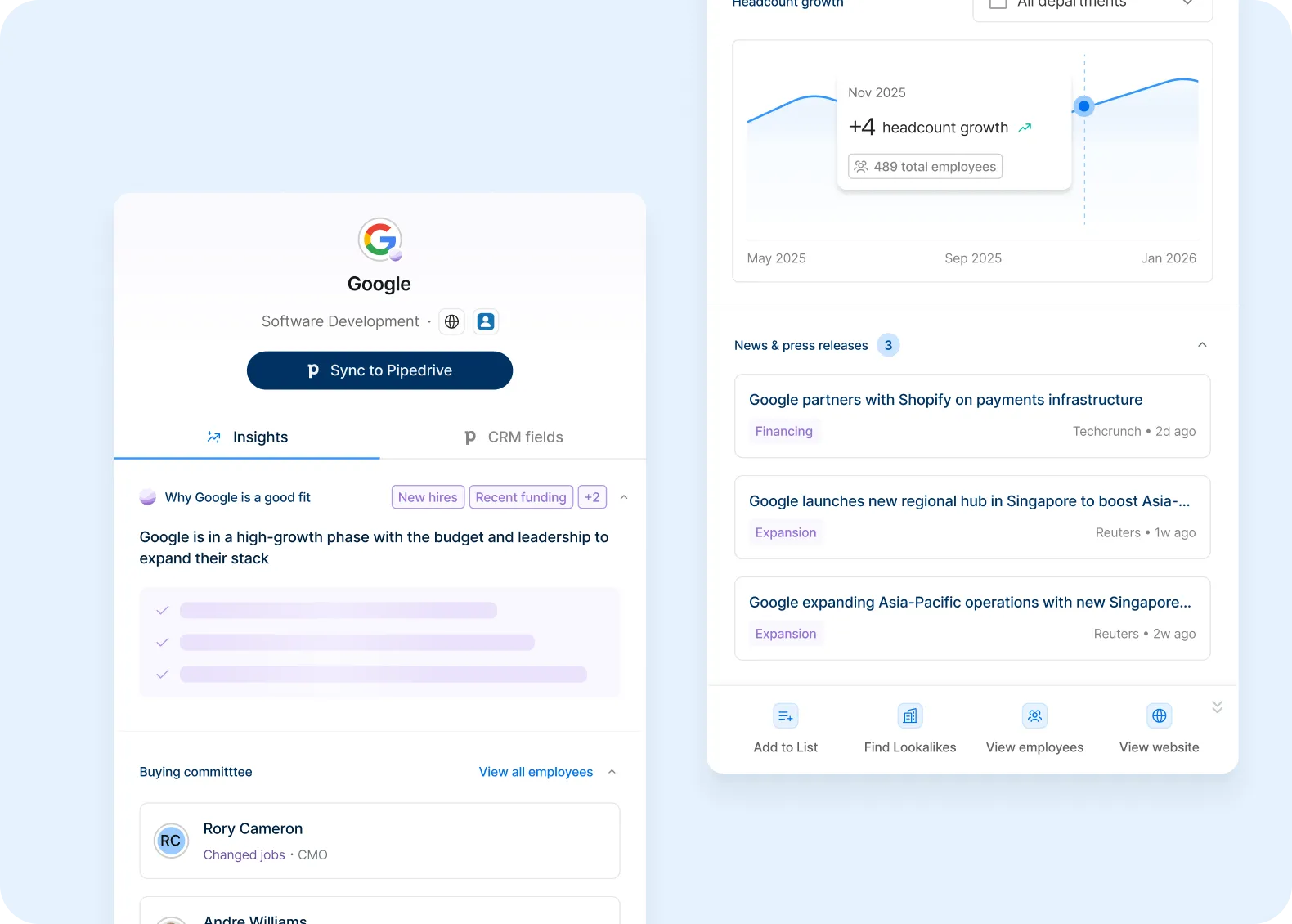

Activate your reps where they work.
Your reps shouldn’t have to switch between browser tabs, prospecting tools, and your CRM. Surfe’s Chrome Extension lets them find, enrich, and add prospects directly from their browser without breaking their flow.
Find decision-makers anywhere in your browser
Reveal contacts, enrich profiles, and sync to your CRM in one click
Add prospects to sequences and workflows instantly
%201%20(1)%20(1).avif)
Trusted by GTM teams around the world.
From prospecting and enrichment to CRM automation and AI GTM workflows, Surfe powers millions of revenue workflows every year.
Waterfall enrichment
Multiple premium providers work together to maximize coverage and return the best available contact data.
Buying signals
Prioritize the accounts that are most likely to convert with signals like job changes, funding, hiring, and more.
CRM automation
Keep Salesforce, HubSpot, and Pipedrive accurate automatically with continuous enrichment and native sync.
Build with Surfe
Build custom GTM workflows with APIs, MCP, webhooks, and native integrations across your revenue stack.
Built to meet enterprise security standards.
GDPR compliant, ISO 27001 certified, and designed to meet the security expectations of modern GTM teams.

ISO27001 Certified

CCPA Compliant

GDPR Compliant









.avif)
Help your customers grow faster.
Become a Surfe partner and give your customers better data, cleaner CRM records, and faster prospecting through native integrations and shared expertise.

.png)

Frequently Asked Questions
Your most pressing questions, answered with clarity.
